
What it is
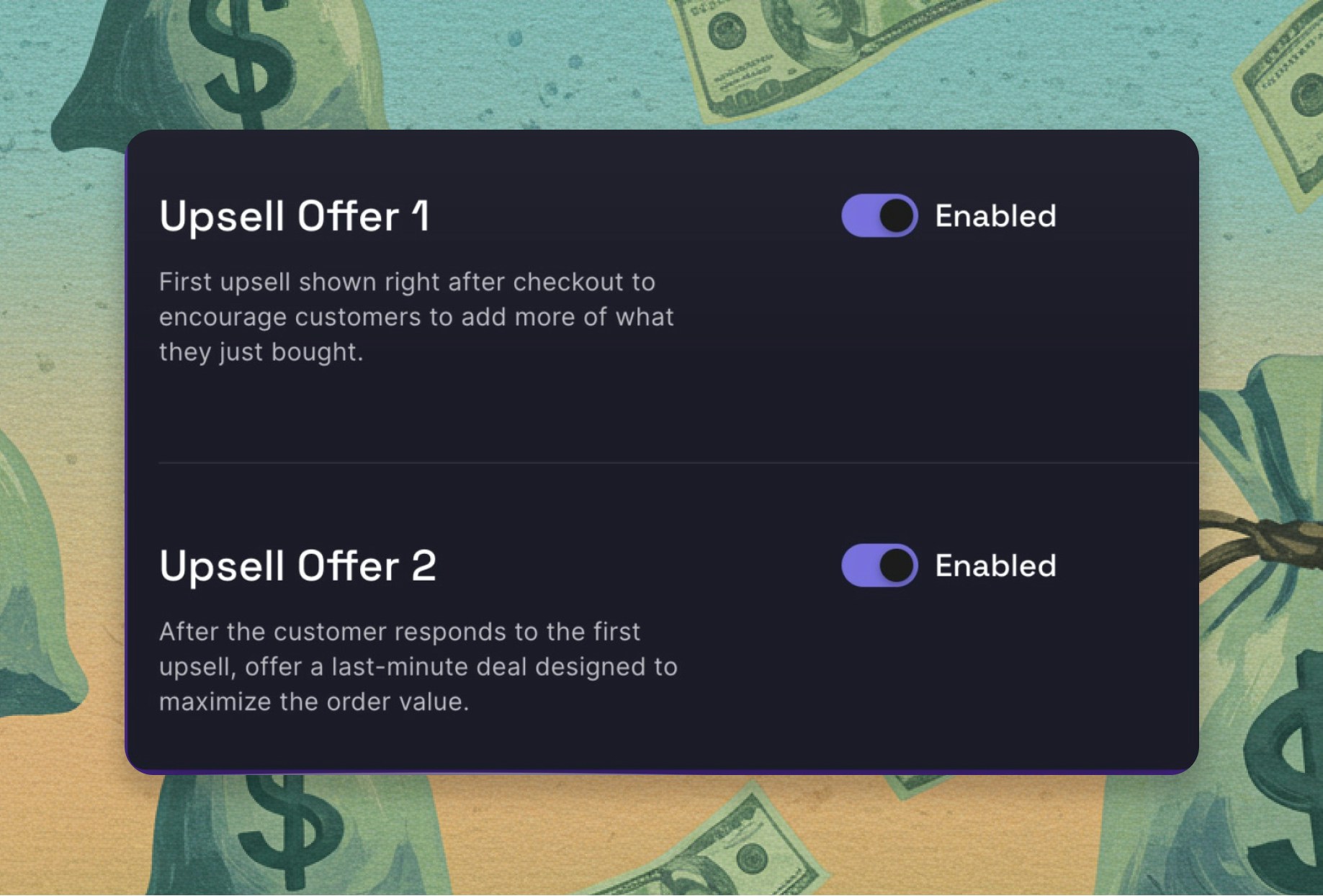
Post-Purchase Upsells show an offer on its own page immediately after a customer pays, before they reach the order-confirmation page. They can accept it with one click — it’s added to the order they just placed, charged to the card they already used, with nothing to re-enter. You can run one or two offer pages: the first offers more of what they just bought, and an optional second offers something complementary — picked by AI, your best sellers, or hand-picked. Unlike Checkout Upsells, this runs on every Boost plan — no Shopify Plus required.The problem it solves
The moment right after a customer buys is one of the highest-intent moments you get — and most stores do nothing with it:- The post-sale moment goes to waste. Once payment clears, a default store drops the customer on a plain confirmation page. They’re still in buying mode, card already used — and you offer them nothing.
- Pre-purchase upsells risk the sale you have. An offer during checkout can distract or stall a customer who was about to pay. A post-purchase offer can’t — the original order is already complete before it ever appears.
- A standalone upsell app is one more bill. Bolting on a dedicated post-purchase app means another install and another monthly fee for something Boost already does natively.
How it works
The offer appears automatically after checkout — no extra step for the customer, no second payment. 1. The customer completes their purchase. The order is placed and paid. Their sale is locked in before any offer shows. 2. They see a one-click offer. A page appears with an offer — more of what they just bought, at a discount you set — that they can add with a single tap, no re-entering card details. 3. An optional second offer. If you run a second page, it shows something complementary — chosen by AI, your best sellers, or hand-picked — for one more chance to add. 4. It’s added to the same order. Whatever they accept is charged to the card they already used and ships in the same order, as a real line item. You set the offers, the discount type, and the headings in a setup wizard — no code.What you get
- Incremental revenue at zero risk. The original sale is already captured before the offer appears — so a post-purchase upsell can only add to the order, never cost you the conversion.
- One-click, no friction. The customer adds the offer with a single tap on the card they already used — no re-entered details, no second checkout.
- Available to every store. No Shopify Plus requirement — every Boost merchant can run post-purchase offers, on every eligible order.
- Offers that fit the haul. First-page repeats of what they bought, second-page AI or best-seller picks — relevant to what’s in the order, not a random ad.
Works with your stack
- Do I need Shopify Plus? No. Post-Purchase Upsells run on every Boost plan — the after-the-sale counterpart to Checkout Upsells, which is Plus-only.
- Is this an add-on? No — it’s part of Boost, not a separate post-purchase app to install and pay for. One platform, one bill.
- What do I need to turn it on? Just set Boost as your post-purchase app in your Shopify checkout settings — the setup wizard walks you through it.
- Does it work on subscription orders? Shopify doesn’t show the post-purchase page on every order — orders with subscription items or certain express payment methods skip it. It runs on every eligible one-time order, so it pairs naturally with your one-off and bundle purchases.
- Will it mess up fulfillment? No. An accepted offer is a real line item on the same order, so your 3PL and reporting see the true contents.
Ready to add the sale after the sale?
Catch your customer at peak momentum — and turn the moment after checkout into one more order, with zero risk to the one you just made.Continue to Explore
Post-Purchase A/B Testing
Test your two-offer sequence against a variant — and keep the one that converts more.
Checkout Upsells
The in-checkout offer — the Shopify Plus counterpart to this page.
Cart
The best cart on Shopify — where the reward bar and upsells start.
Moneyboard
See the revenue your post-purchase offers drive, in plain dollars.